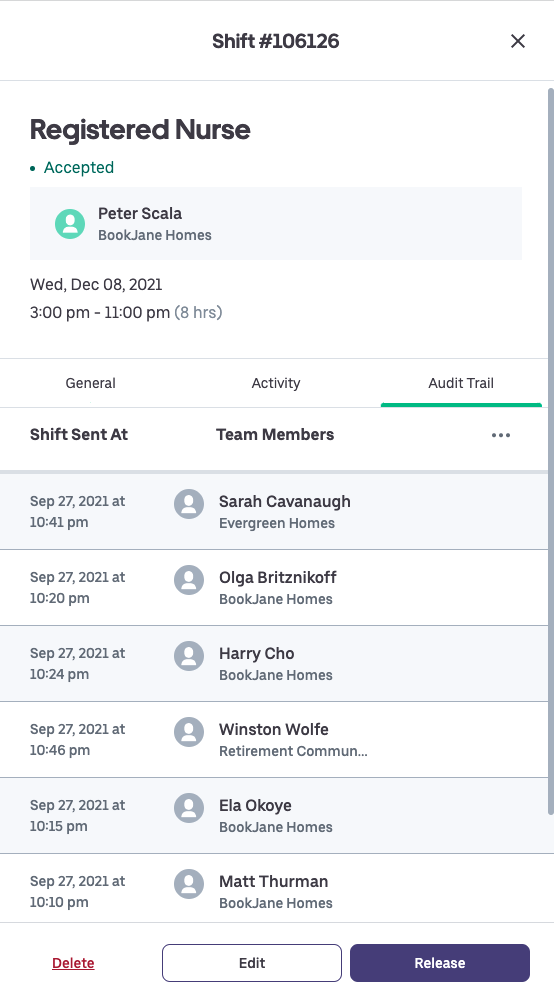
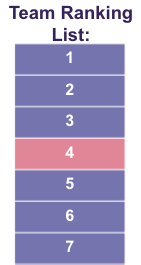
This feature allows you to offer shifts to your team members by cycling through the team members assigned to the rotational pool before moving onto those not assigned. Based on the last accepted shift, if the cycle is completed, the next shift will start at the top of your team ranking list. If not, the next shift will be shared with the team member after the last team member who accepted the previous shift was created.

1. Go to the Shifts tab of BookJane
2. Click on Edit Seniority
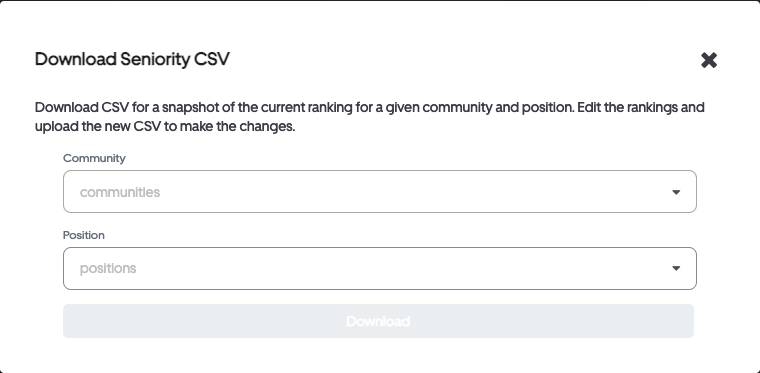
- Download CSV. You will be editing this CSV file and re-uploading it into BookJane. After selecting the Community and Position that you wish to rank, click on Download to download the file.
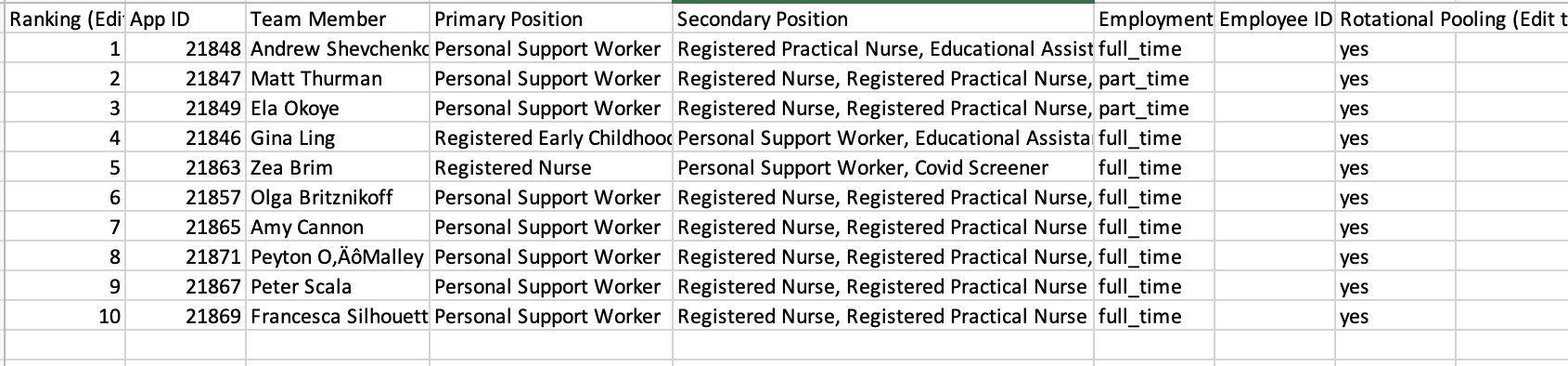
3. After opening the CSV file, update column H (Rotational Pooling) with either yes or no. Yes for any team members would indicate they are in your rotational pool. No for any team members would indicate they are not in your rotational pool. Save the CSV file when completed.
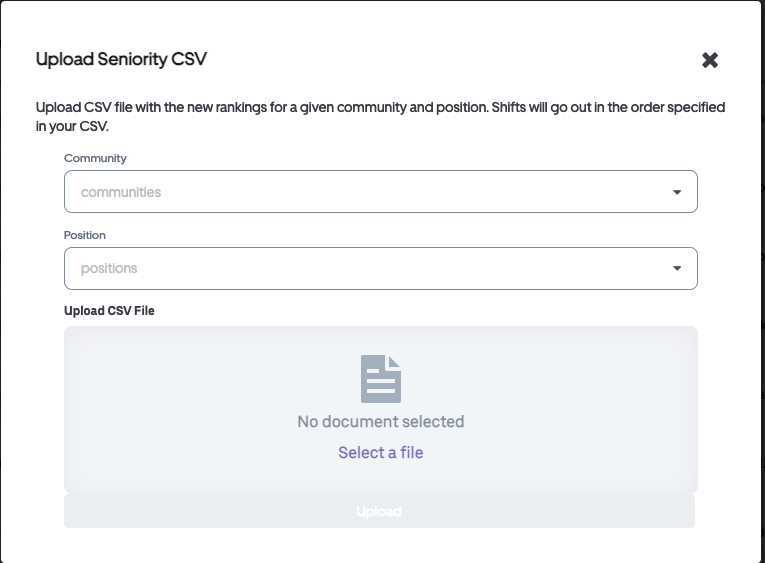
4. Click on Edit Seniority in the Shifts tab, then select Upload Seniority CSV. After selecting the Community and Position that you just finished ranking, upload the edited document and click on Upload to upload your file.
Congratulations! Your Rotational Tiering will now be reflected for all callouts!
*Check the Audit Trail on a shift to observe this feature in action!