A recurring shift is a booking that occurs more than once over a duration of time (e.g. Mon. 7-3pm, Tue. 7-3pm, Wed. 7-3pm, Thu. 7-3pm, Fri. 7-3pm).
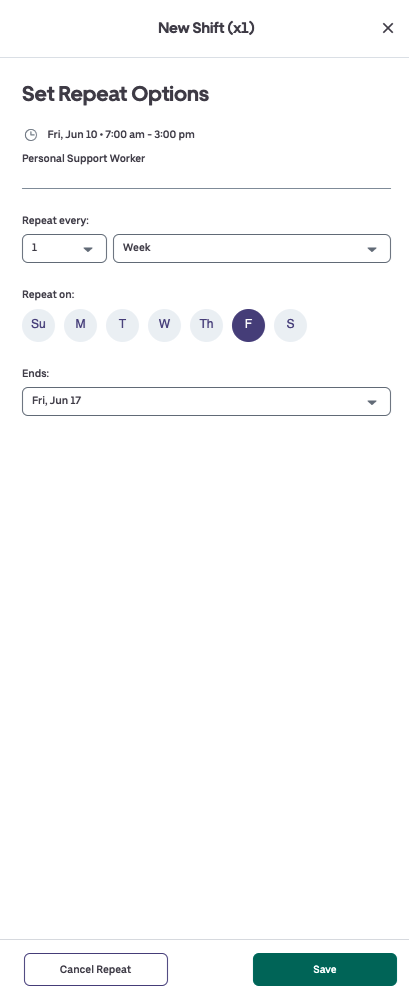
1. After entering details in Create Batch Shifts, click Add Recurring Shift.
-
- Shifts can repeat every 1, 2, 4, or 4 days, weeks or months.
- You can specify the date the booking ends.
2. Save the booking to finalize the Shift Repeat setting.
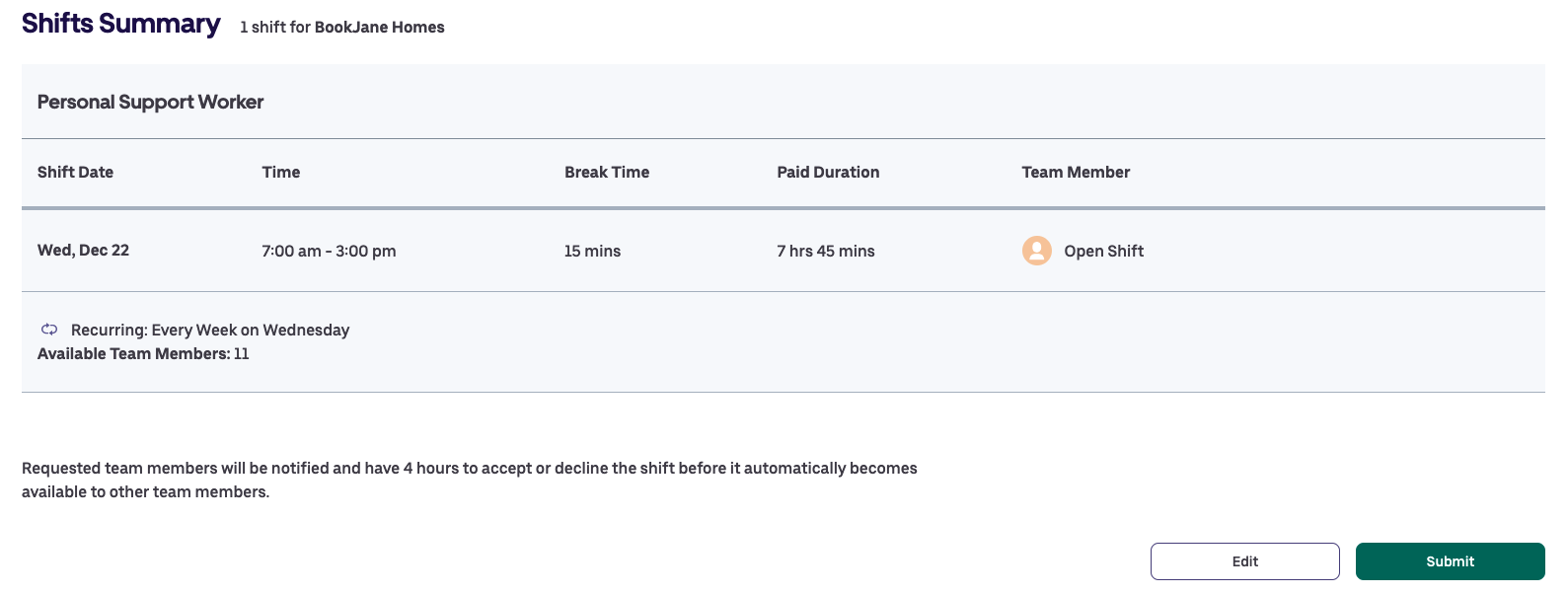
3. On your confirmation page, review full details to ensure the recurring pattern is accurate before clicking Submit.