Adding Admin(s) to your BookJane Account
BookJane allows you to add multiple users (the number varies based on the package you are subscribed to) to your account to help you manage your locations and bookings.
1. In your Settings, select Administrators.

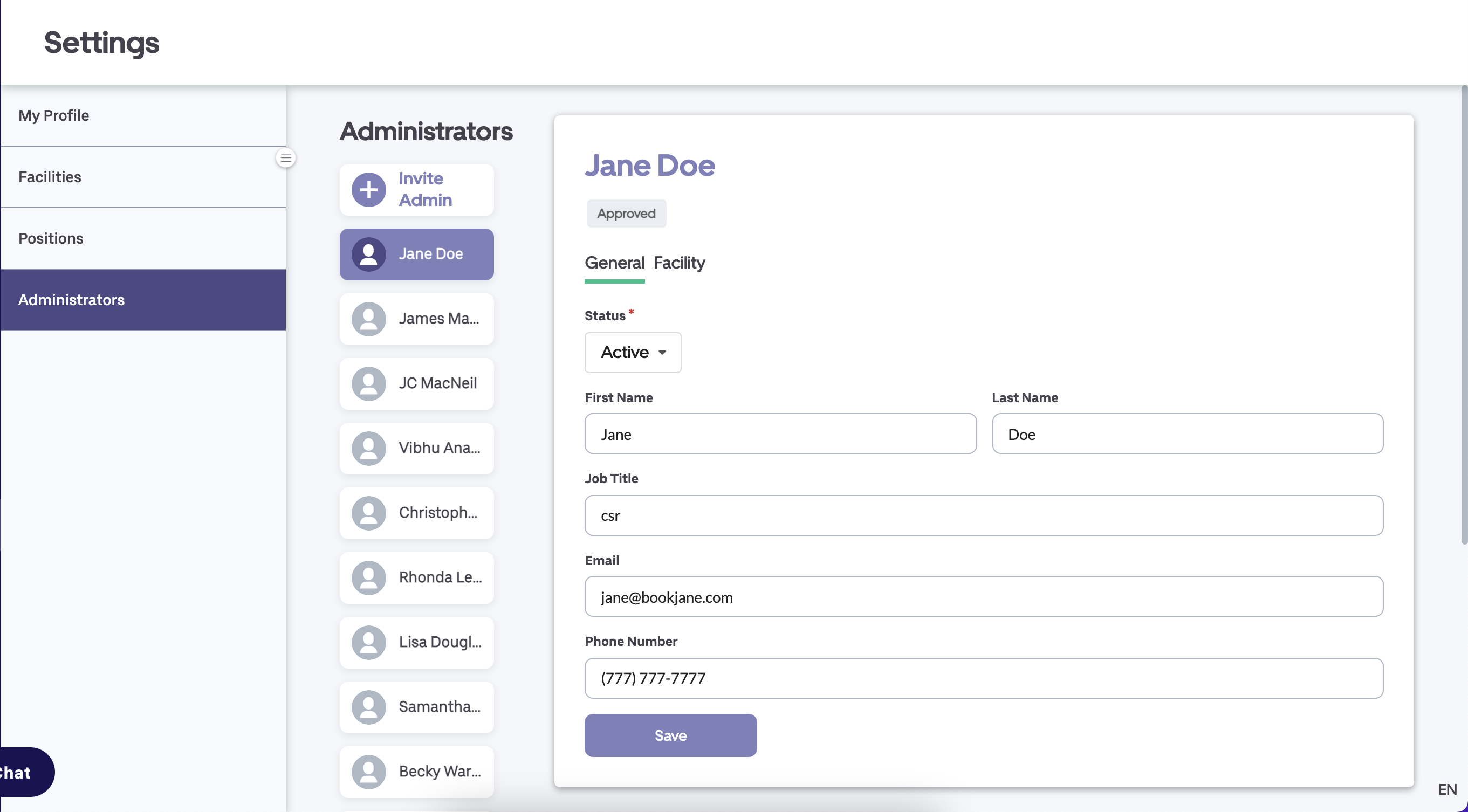
2. Click on Invite Admin

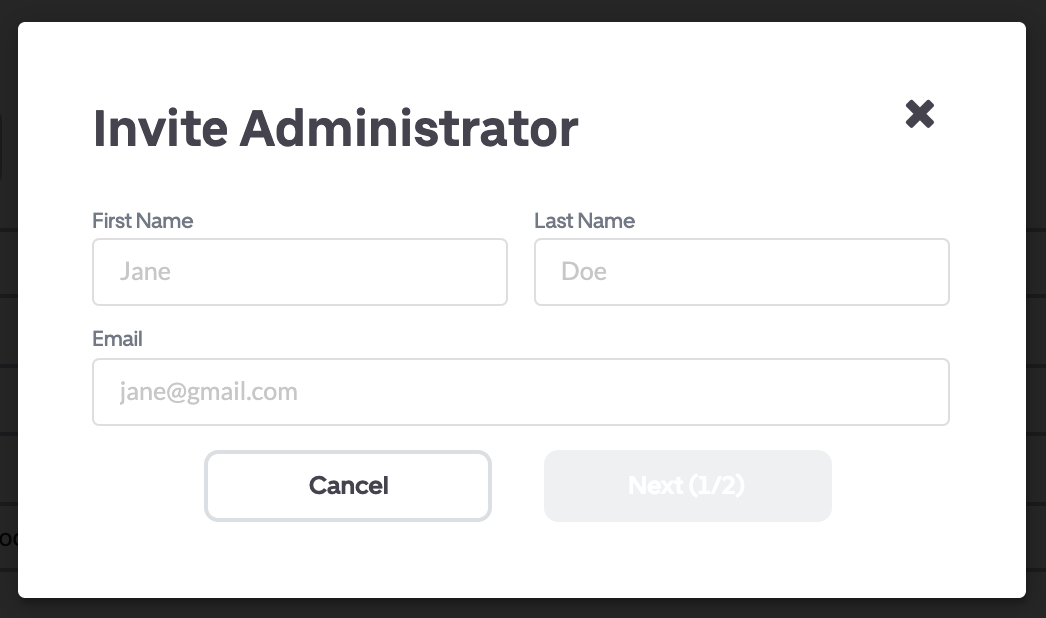
3. Add the administrators' first and last name, and email then click Next (1/2)
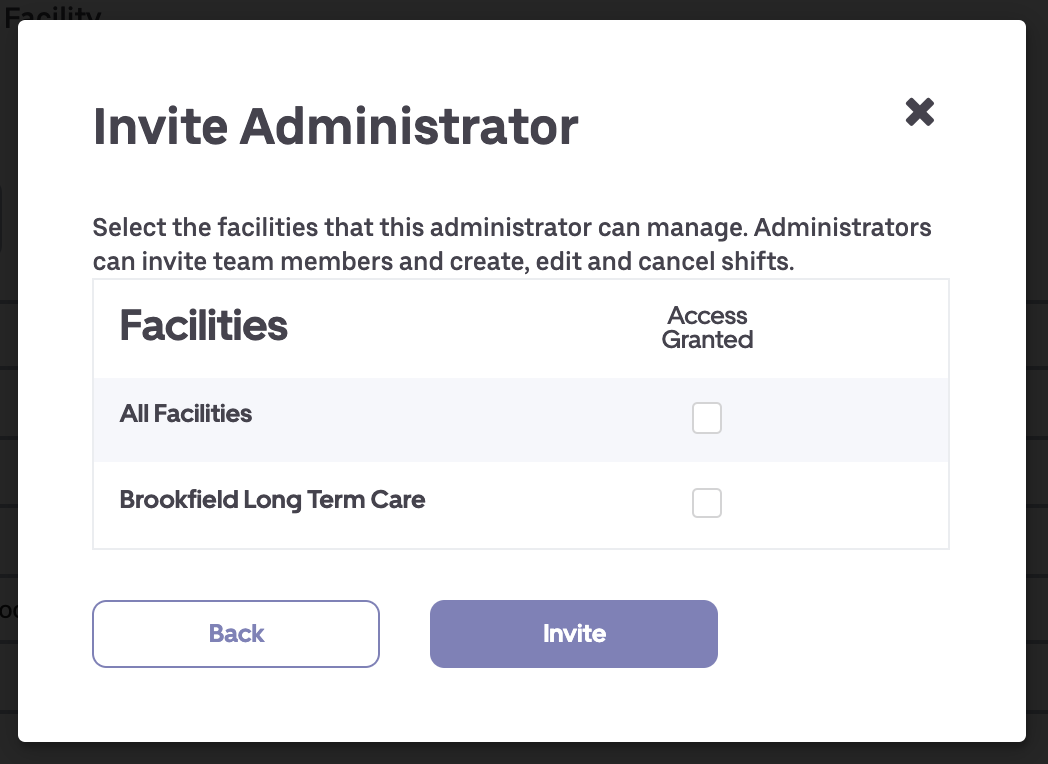
4. Select all the facilities that you would like the administrator to manage and click Invite. The admin will receive an email inviting them to create a login and password.
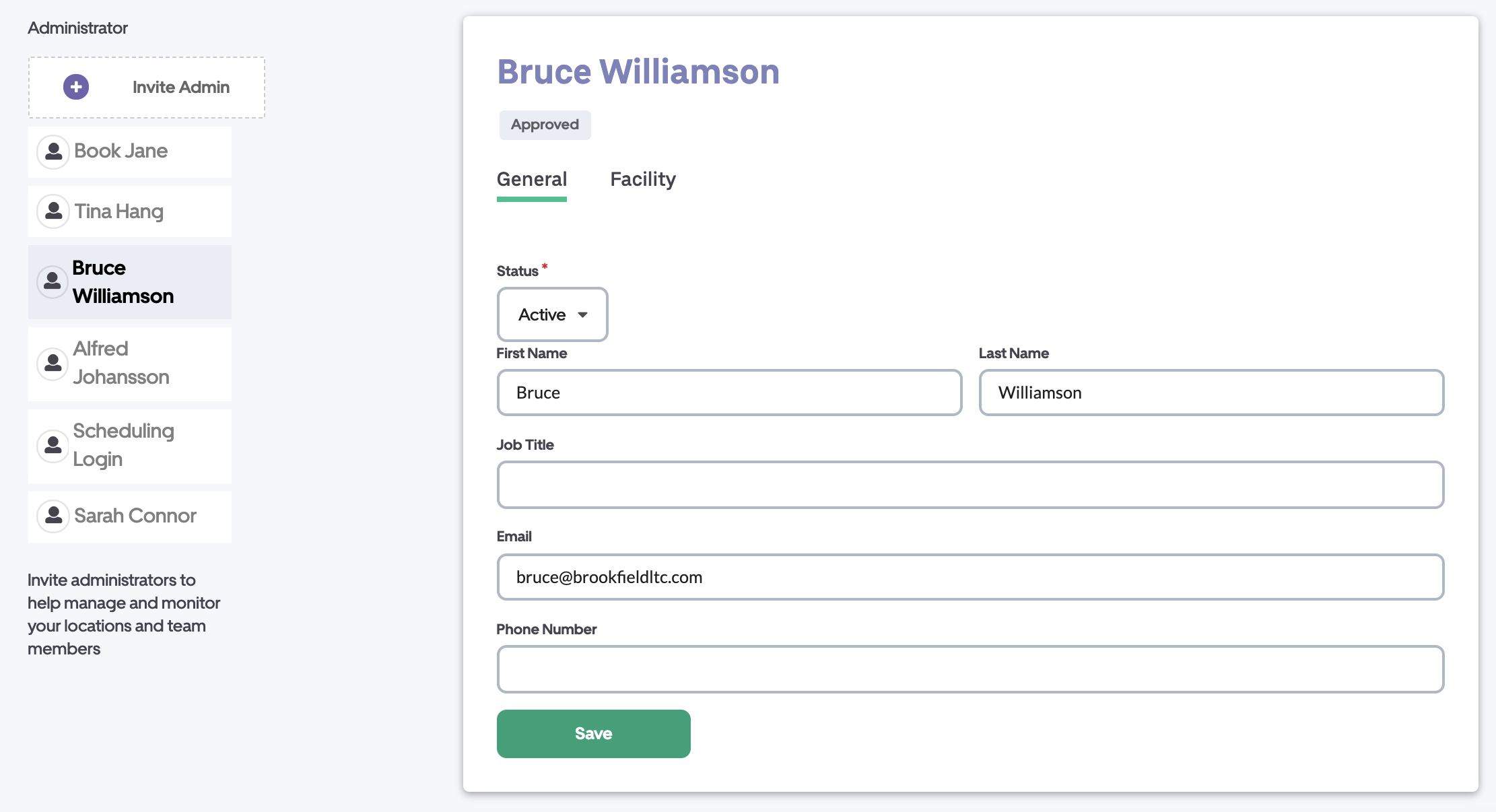
5. Click on an administrators name to view their account information. You can edit their position, phone number and email.
Changing an admins status to Inactive removes their access to the platform.
In the Facilities tab, you can edit to the facilities that the administrator manages.
Remember to Save if you've made any edits.