As an administrator, you have access to manage and create shifts for the your communities.
You will be invited to be an Administrator by email.
1. In the email invitation, click the Set Your Password button or paste the link provided into your browser address bar to set your password:
2. Enter the password that you wish to use. Re-enter the same password to confirm the system registers it correctly.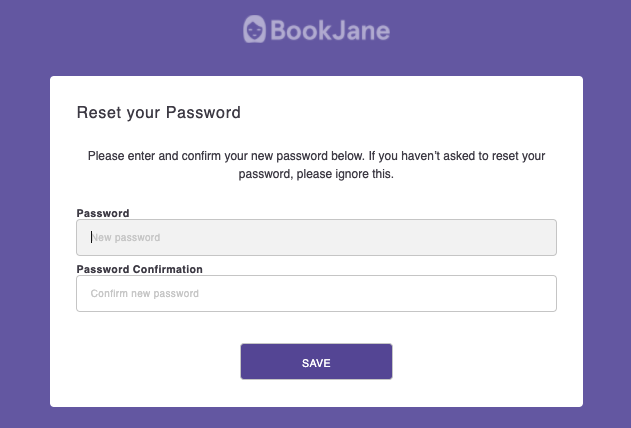
3. When your password has been successfully saved, navigate to https://bookjanej360.com/ to log into your BookJane account to begin posting and monitoring shifts requests.