**This requirement currently applies to BookJane Marketplace Caregivers and Agency Caregivers.***
As part of the Proof of Vaccination mandate you are required to provide a copy of both your first and second dose vaccinations against the novel coronavirus (Covid-19) to accept work through BookJane. Below you will find the steps to upload dose administration records in the BookJane App.
Upload Vaccination Record
1. Click on the More option on the bottom menu in the BookJane App
2. Click Edit Profile
3. Navigate to the Your Experience section then locate and click on the Documents option
4. Locate the Other Vaccinations option and click on Add Photo
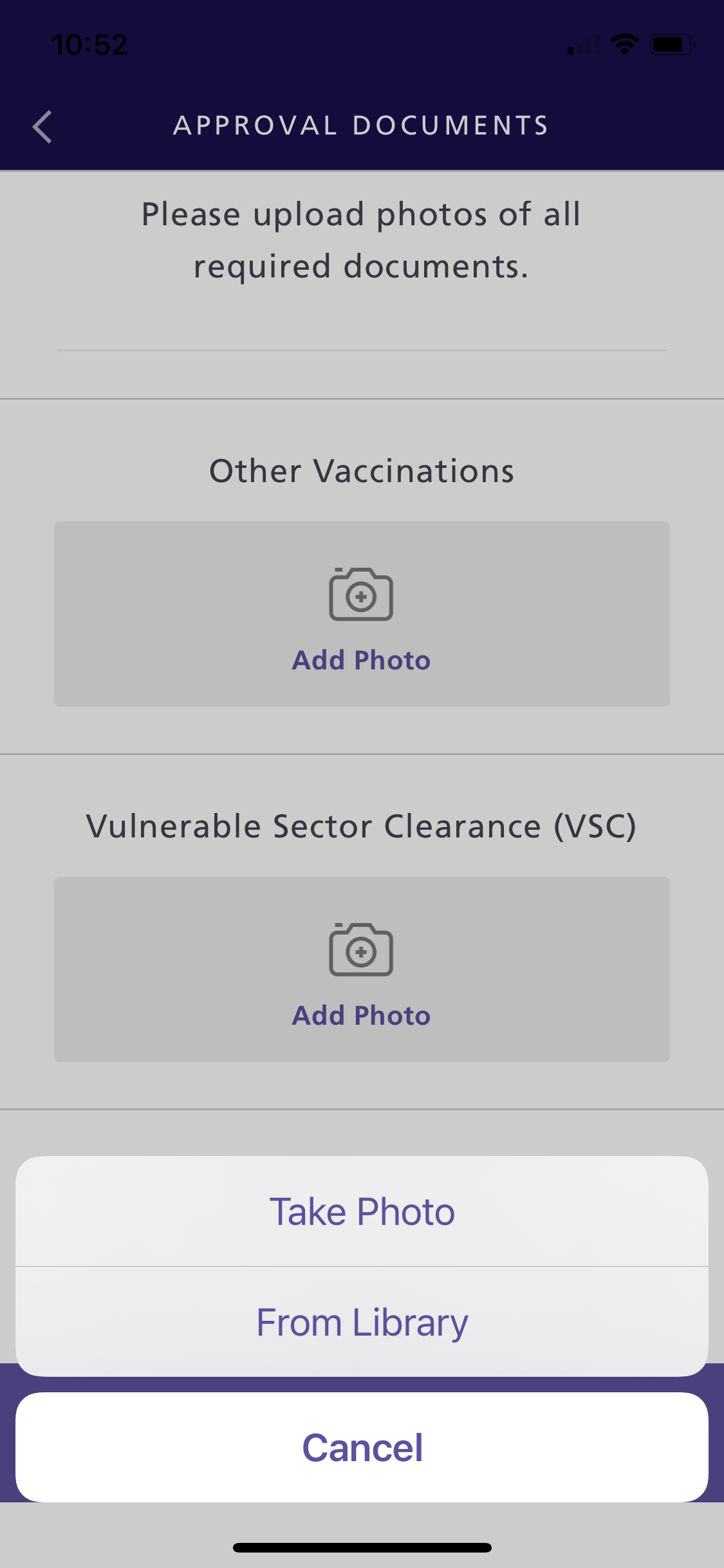
a. You can either Take Photo or pick a photo From Library
i. Please upload a photo of both the confirmation of your first and second dose of the
covid-19 vaccine.
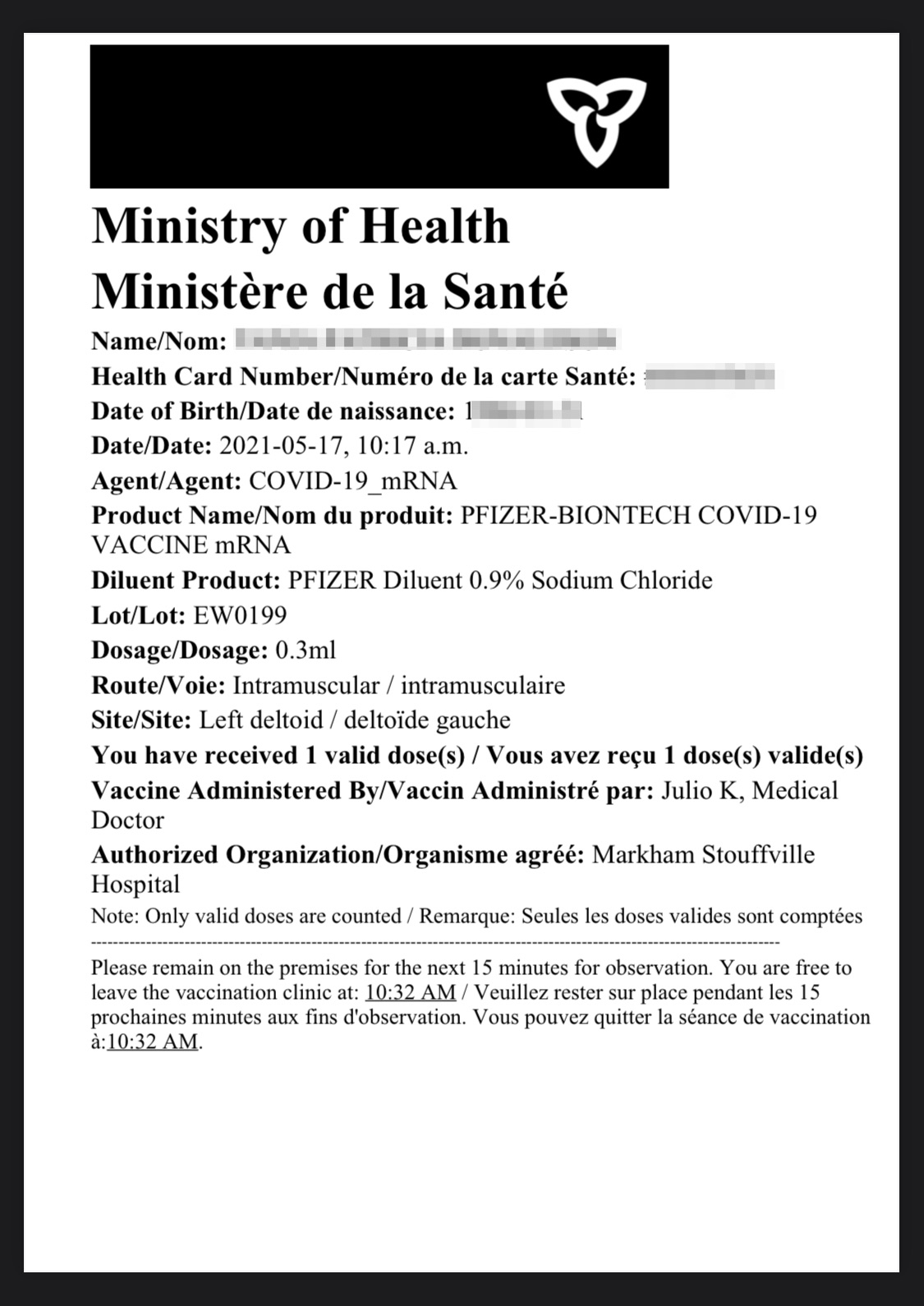
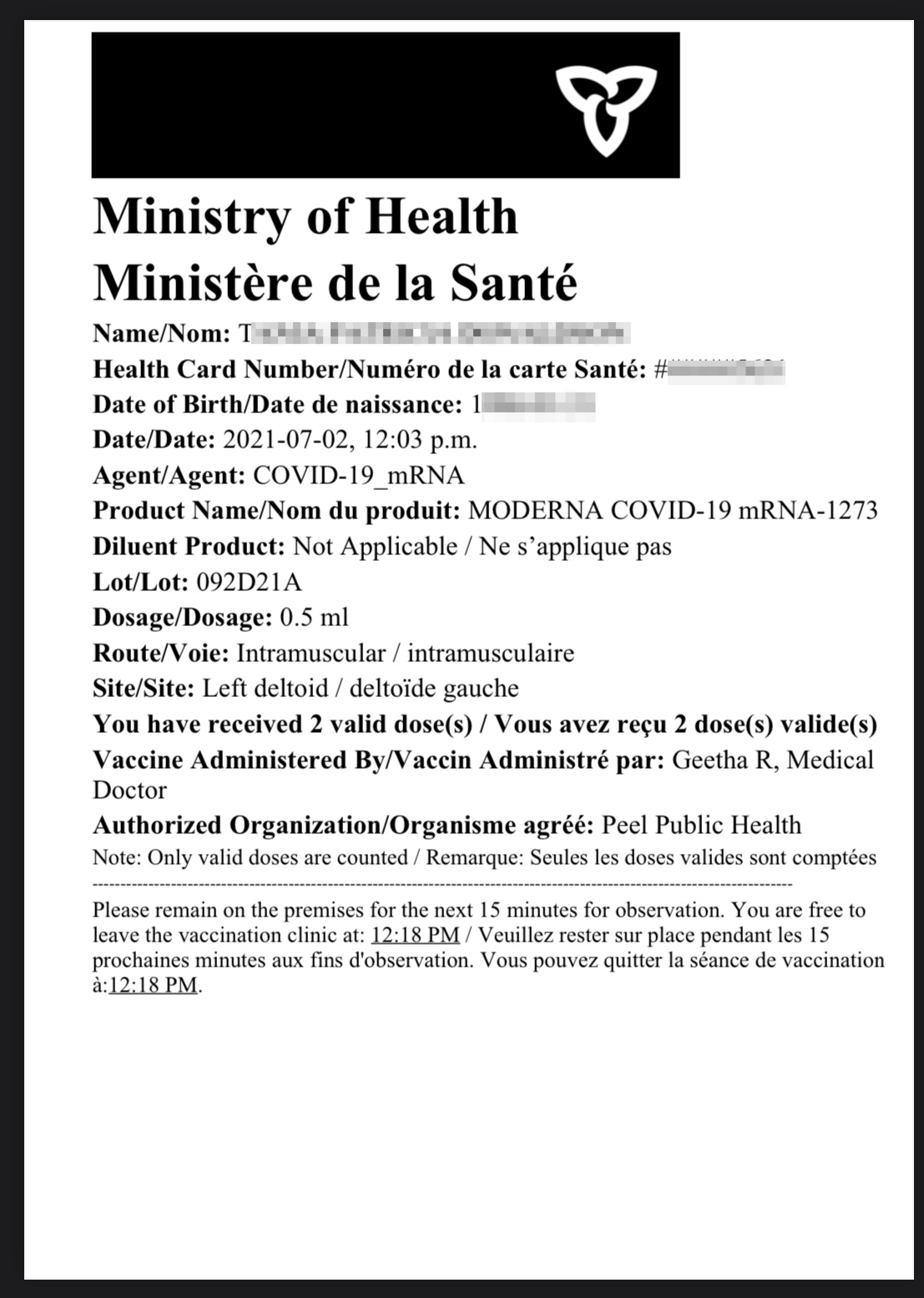
ii. All Dose administration details should be legible in order for Proof of Vaccination to be valid.
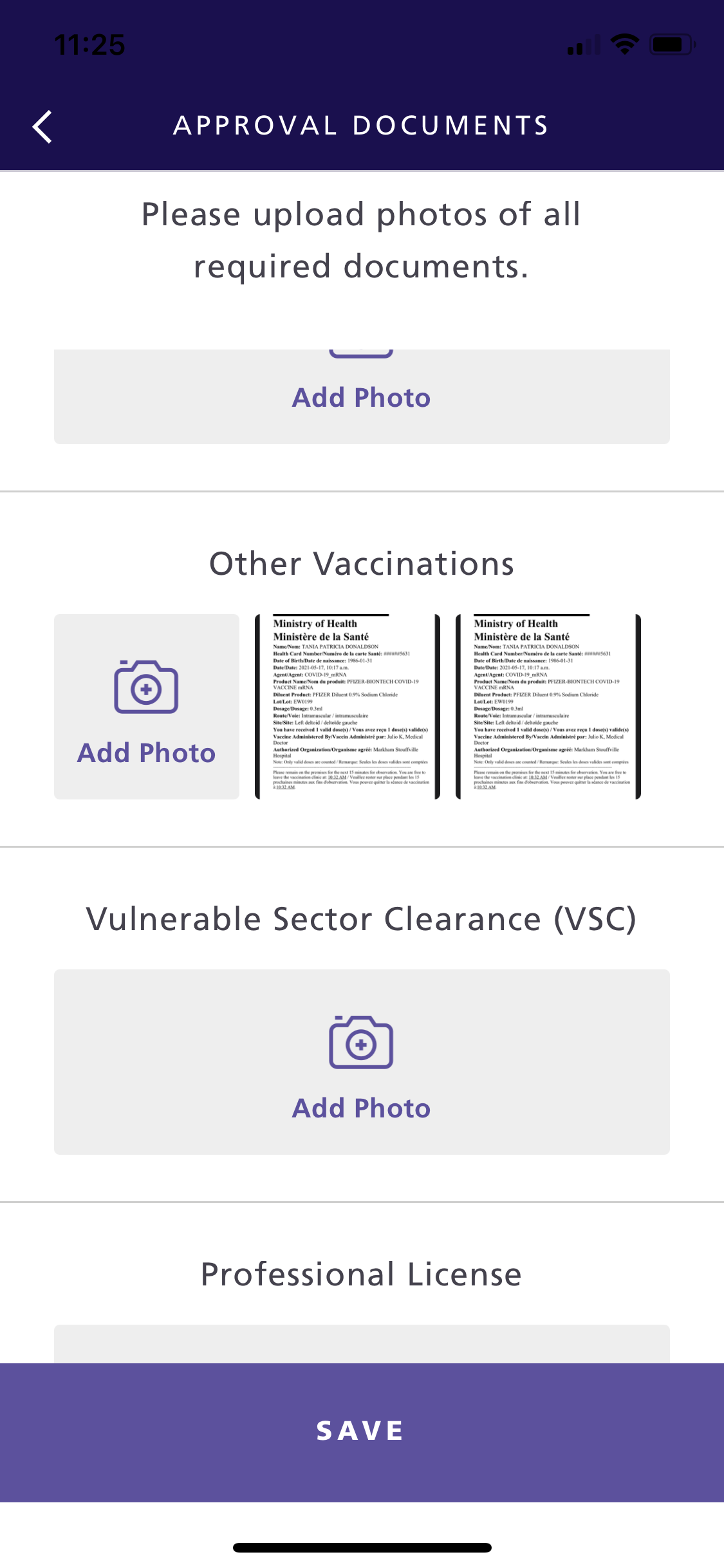
5. Finally, click Save to load the proof of vaccination documents to your BookJane profile.
***You may be subject to additional Proof of Vaccination requirements by your employer(s).***