BookJane provides you the convenience of inputting departments and positions that are meaningful to your facility.
1. Navigate to the Settings page

2. Click on Positions. This allows you to edit the names of your positions and change or add departments.
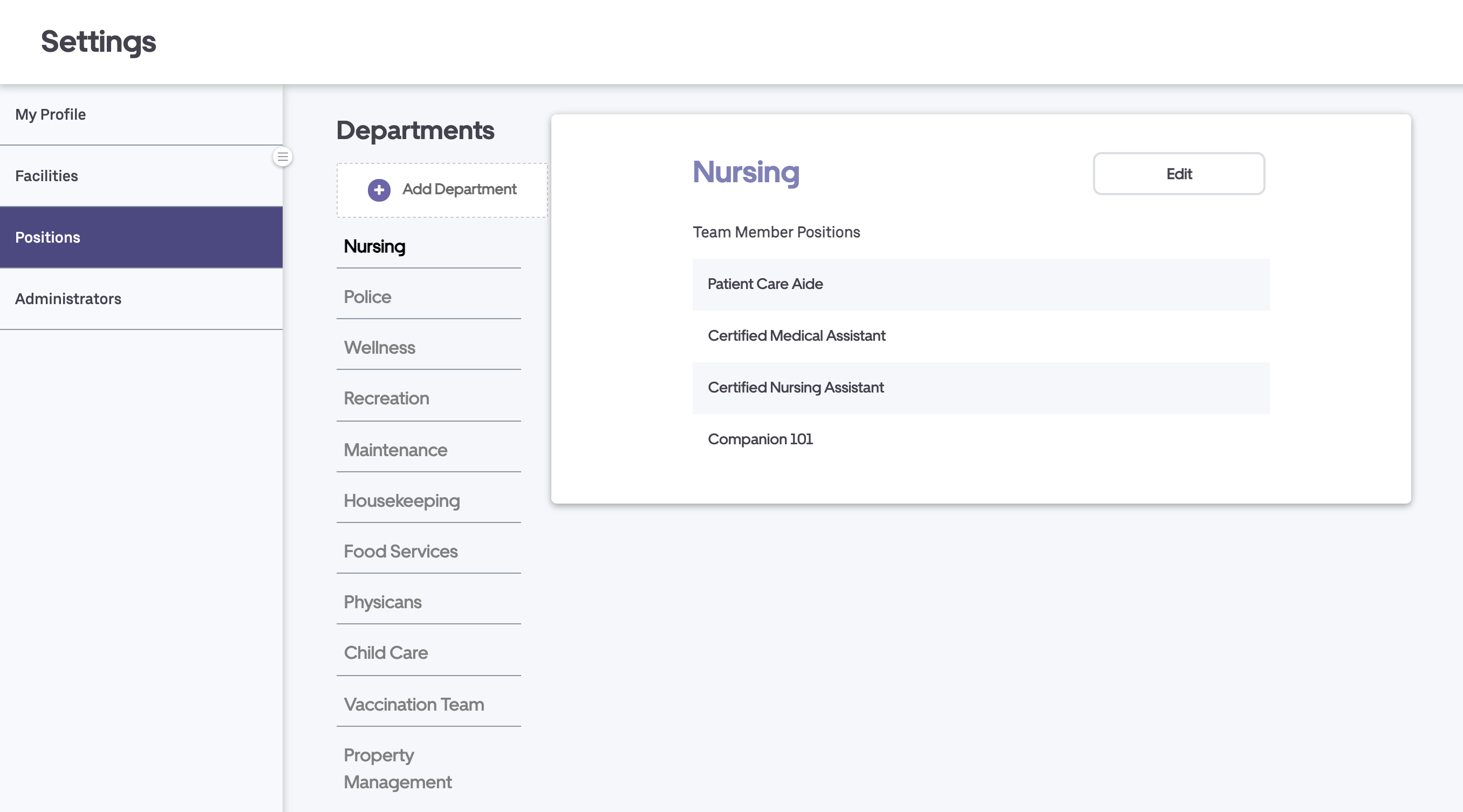
Department
3. Click Add Department.

4. Name your new department and add at least one new position. Press Save to finalize your new department.
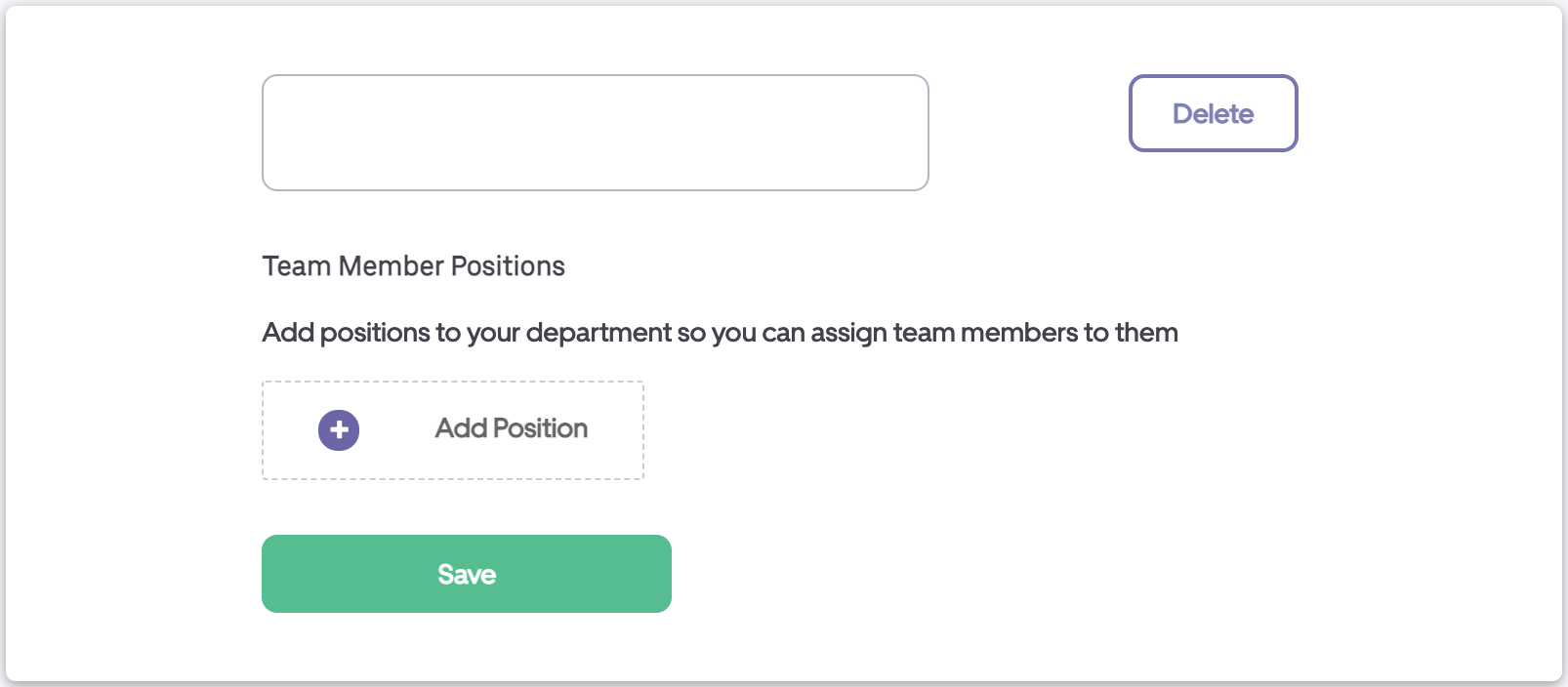
Position
5. Select a department then click Edit to make changes to existing position names.
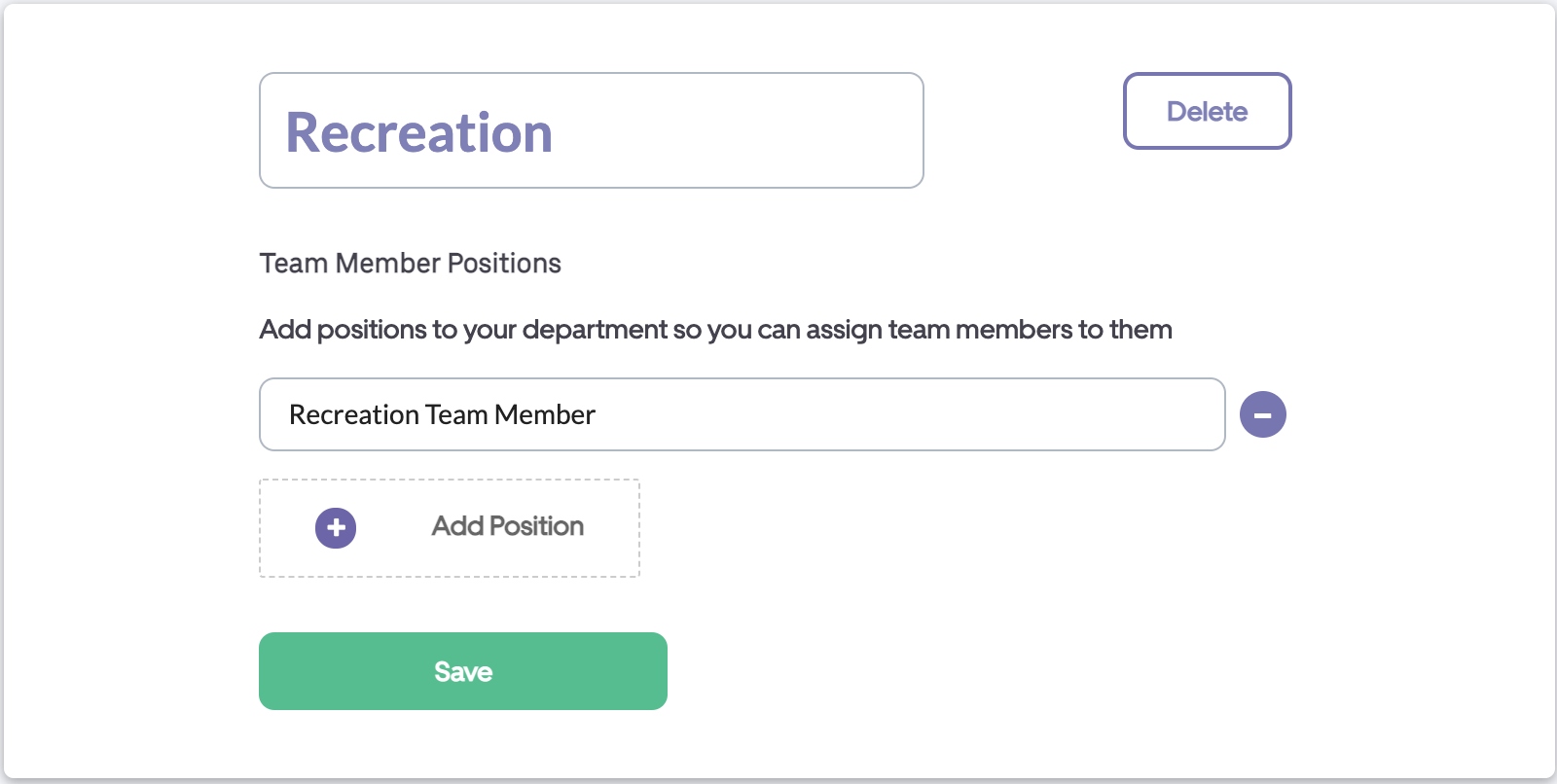
6. Click Save to finalize your changes.
Note: If you send shifts to Agency workers through the BookJane platform please contact your customer success manager (CSM) to have your custom positions mapped.